

Travel Insurance
AirTags and Lost Baggage Claims: UAE Travel Insurance 2026
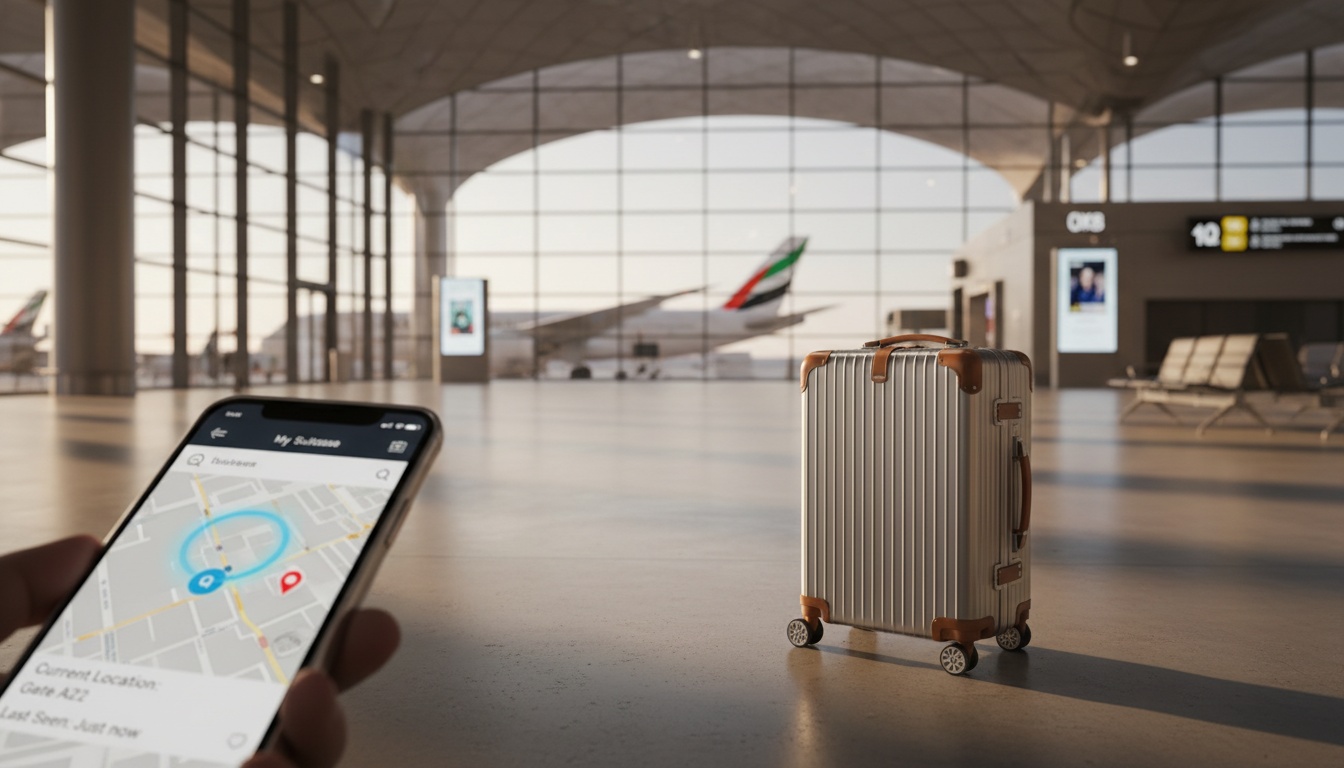
Your AirTag is pinging from a cargo warehouse in Frankfurt — but your airline insists your bag is "in transit." For UAE travelers flying Emirates or Etihad in 2026, knowing how to convert that location data into a valid insurance claim is the difference between a payout and a rejection. This guide shows you exactly how to do it. Compare your options today at [eSanad Travel Insurance](https://www.esanad.com/travel-insurance).
The 2026 Shift: How AirTag Integration with Global Airlines Impacts UAE Travelers
Apple's 2026 "Share Item Location" update is a genuine game-changer for frequent flyers out of DXB and AUH. The feature lets you generate a time-limited, secure link showing your AirTag's location — shareable directly with airline staff, insurers, or baggage handlers without revealing your full Apple ID.
Emirates and Etihad have both formally acknowledged digital tracking identifiers in their 2026 baggage tracing workflows. This means a ground agent at Dubai International can now open your shared link, verify the bag's last-known location, and log it against your booking reference — creating a digital paper trail that did not exist even a year ago.
However, UAE travelers must understand one critical limitation: AirTag data alone does not constitute proof of loss. It is corroborating evidence. The tracking signal establishes location; it does not establish ownership transfer, airline liability, or the monetary value of your contents.
For travelers heading to Europe, understanding your policy requirements upfront is essential. Review Schengen travel insurance requirements for UAE residents before departure to ensure your baggage coverage is adequate.
Step-by-Step Guide: Using Location Data to Prove Baggage Loss for UAE Insurance Claims
Follow this precise sequence to build a claim that UAE insurers will accept:
Step 1 — At the Airport (within 1 hour of arrival) File a Property Irregularity Report (PIR) at the airline's baggage desk immediately. Do not leave the arrivals hall without this document. The PIR reference number is the anchor for every subsequent step.
Step 2 — Generate Your AirTag Share Link Open the Find My app, tap your bag's AirTag, select "Share Item Location," and set the link duration to 7 days. Screenshot the map view showing the airport location with timestamp visible.
Step 3 — Email Evidence to the Airline (within 24 hours) Send your PIR number, the AirTag share link, and timestamped screenshots to the airline's baggage resolution email. For Emirates, use the delayed and damaged baggage portal. For Etihad, submit through their lost and damaged baggage page.
Step 4 — Notify Your UAE Insurer (within 24–48 hours) Most UAE travel insurance policies require loss notification within 24–48 hours. Contact your insurer immediately with your PIR, flight details, and AirTag evidence package.
Step 5 — Obtain Written Confirmation of Non-Delivery After 21 days of non-delivery, airlines issue formal written confirmation of permanent loss. This document, combined with your PIR and AirTag history, completes your evidence file.
Digital Evidence vs. Traditional Paperwork: Meeting UAE Insurer Requirements
| Feature / Scenario | AirTag App Data | Airline PIR Report | UAE Insurance Claim Role |
|---|---|---|---|
| Real-time Location | ✅ Shows bag's GPS position | ❌ Not location-specific | Supporting / Secondary Evidence |
| Proof of Misplacement | ✅ Timestamp of separation | ❌ Confirms mishandling only | Strengthens narrative |
| Official Confirmation | ❌ Not airline-issued | ✅ Mandatory airline document | Primary Mandatory Document |
| Monetary Valuation | ❌ No value data | ❌ No value data | Purchase receipts required separately |
| Insurer Submission | Accepted as exhibit | Required without exception | Both needed for full claim |
UAE insurers regulated by the Central Bank of the UAE treat AirTag data as secondary evidence — valuable but never sufficient on its own. The PIR remains the single non-negotiable document. Without it, no UAE policy will pay out, regardless of how compelling your tracking data appears.
Understanding what your policy actually covers is equally important. If you're unsure about the fine print, reading about how to read UAE annual multi-trip policy terms can help you identify baggage coverage limits and exclusions before you need to claim.
Compare & Choose on eSanad
Lost vs. Delayed Baggage: Strategic Checklists for UAE Residents Abroad
The distinction between "delayed" and "lost" baggage is financially significant in UAE travel insurance policies.
Baggage Delay triggers an hourly or per-diem cash benefit — typically AED 150–300 per 12-hour block — for essential purchases like clothing and toiletries. This activates after a waiting period (usually 6–12 hours) and has a capped total.
Baggage Loss triggers a lump-sum or itemized reimbursement, typically ranging from AED 5,000 to AED 20,000+ depending on your plan tier. This requires formal airline confirmation of permanent loss — usually after 21 days.
Checklist for Delayed Baggage:
- File PIR immediately on arrival
- Activate AirTag share link and screenshot location
- Purchase essentials and retain all receipts
- Submit delay claim to insurer within 24 hours with PIR and receipts
Checklist for Lost Baggage:
- Compile complete PIR documentation
- Export full AirTag location history as PDF
- Obtain airline's written confirmation of non-delivery (day 21+)
- Submit itemized list of lost contents with purchase evidence
- File final claim with eSanad travel insurance within policy notification window
Travelers on senior-inclusive policies should also check age-related baggage coverage limits covered in our 2026 UAE senior travel insurance guide.
Get a Free Quote Now
Conclusion
Bottom line: In 2026, AirTag's "Share Item Location" feature is a powerful tool for UAE travelers — but it supports your insurance claim rather than replacing traditional paperwork. Always file a PIR first, notify your insurer within 24–48 hours, and submit your digital tracking data as corroborating evidence. A comprehensive UAE travel insurance policy from eSanad ensures you're covered far beyond what the Montreal Convention's airline liability limits provide.
Short Summary: Learn how to use Apple AirTag location data alongside official documents to make a valid lost baggage insurance claim in the UAE in 2026.
Meta Description: Discover how UAE travelers can use AirTag data and PIR reports to claim for lost baggage in 2026. Know your rights and get covered with eSanad.
Slug: airtag-lost-baggage-insurance-claim-uae-2026
Explore eSanad →
FAQ
Is AirTag data legally binding for insurance claims in the UAE?
No. AirTag data is accepted as secondary or supporting evidence by UAE insurers but is not legally binding on its own. A Property Irregularity Report (PIR) from the airline remains the mandatory primary document for any baggage loss claim under UAE travel insurance policies.
What should I do if my AirTag shows my bag is at the airport but the airline denies it?
Share your AirTag location link directly with the airline's baggage resolution team and request a physical search of the specific terminal zone your device indicates. Document every communication by email. If unresolved, escalate to the airline's formal complaints department and include this evidence in your insurance claim submission.
Does UAE travel insurance cover the cost of a lost AirTag itself?
Generally, AirTags fall under personal electronics or "other items" categories. Coverage depends on your specific policy's itemization limits and whether a depreciation clause applies. Check your policy's tech depreciation schedule or review our 2026 travel insurance tech depreciation guide for clarity.
How does the 2026 Apple "Share Item Location" feature change my claim process?
It allows you to generate a shareable, time-limited link that airline staff and insurers can view without accessing your Apple account. This creates a verifiable, timestamped digital exhibit that strengthens the narrative of your claim when submitted alongside your PIR.
Can I claim for baggage delay if I can see on AirTag that my bag is still at DXB or AUH?
Yes. If your bag has not arrived at your destination airport within the policy's delay trigger period (typically 6–12 hours), a delay benefit applies regardless of where the bag physically is. Your AirTag data actually helps confirm the delay is genuine rather than a scanning error, supporting faster claim approval.
Editorial note: This article is for general information and does not constitute insurance advice. Always confirm terms with your insurer.